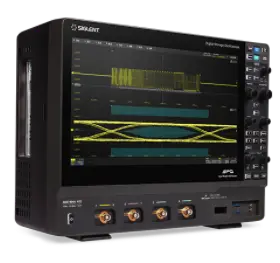
Many SIGLENT instruments feature options that can be added by using an activation code.
To generate the activation code:
– Purchase the option from your favorite SIGLENT office or distributor. A full list of available options are located at the bottom of the specific product web page.
– You will receive an Option Card PDF document from SIGLENT that contains important information for permanent activation of the features. Keep this information handy through the next steps.
– Go to http://service.siglenteu.com/easyweb/
-Enter the information from the Option Card in the correct fields of the webpage, and press Submit: