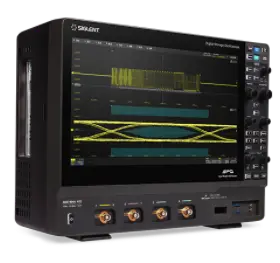
Thank you for purchasing SIGLENT products. To activate your software, perform the following steps.
1. Select the product series, device type, and option type. 2. Enter the serial number and authorization code. 3. Click Submit to get the option key. 4. Click the Download icon next to the option file to obtain the license file to your device, such as a USB drive. 5. Use the license file for installation from your USB drive by following the installation instructions displayed in the Installation Instructions section. Alternatively, click Download in the Installation Instructions section to download the relevant instruction file and then proceed.
Note: If you only need to view the installation instructions, simply select your product series, device type, and option type, and then click Download in the Installation Instructions section in the lower part of the page.